One QR code for any occasion
Whatever you're celebrating,
the photos are everywhere.
Confetti Gallery gathers every guest's photos into one shared gallery. The mechanics are the same for every event — what changes is where you put the code, how you ask, and what people worry about. Pick the kind of day you're running.
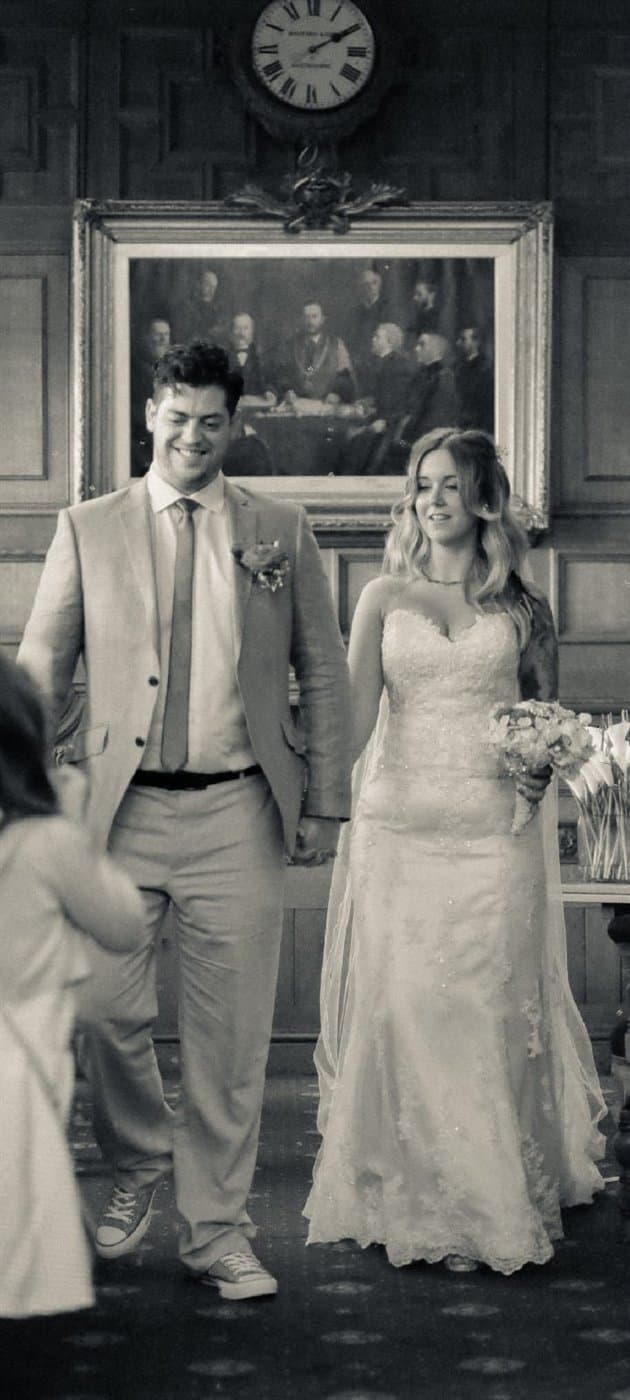
Weddings
One QR code on every table. Guests hand you the photos they took.
Your photographer captures the wedding they were hired to capture. Your guests capture the one you'll actually miss — the bit at the back, the bit after midnight, the bit nobody was posing for. Here's how to end up with both.
Read the wedding guide→
Birthday parties
Every guest's photos of the party, gathered in one place.
Nobody hires a photographer for a 30th. Which means the entire photographic record of your party is scattered across the phones of people who will never think to send it to you. Here's how to get it back.
Read the birthday party guide→
Corporate events
Conferences, parties, away days — every attendee's photos in one gallery.
You hired a photographer for the keynote. Nobody was covering the corridor conversation that actually sold the room. Here's how to gather what four hundred attendees photographed, without asking IT for anything.
Read the corporate event guide→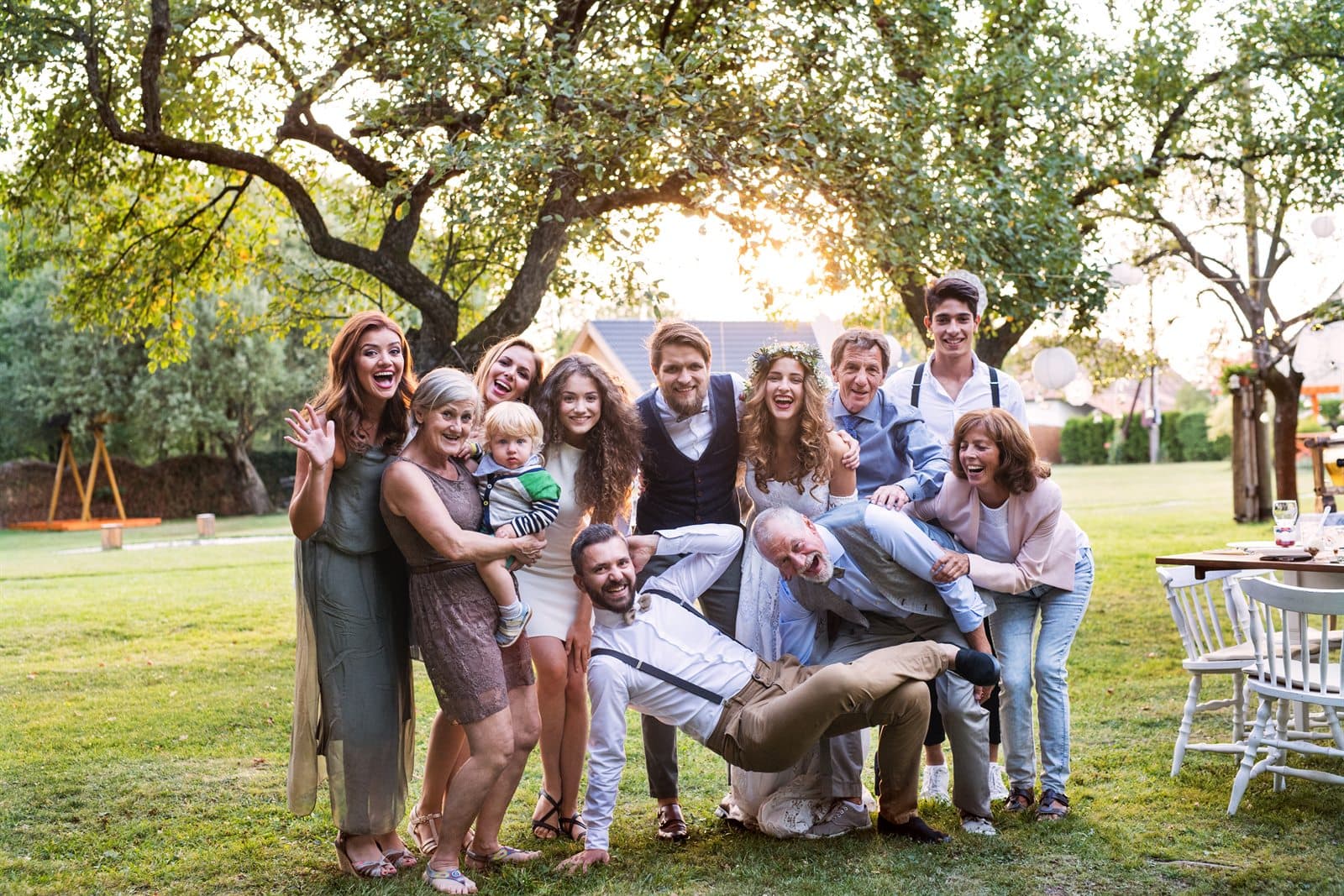
Christenings & baby showers
Christenings, baby showers and family days — every guest's photos in one place.
These are the days where the person at the centre of it won't remember anything, and where the photos are the only thing that survives. They're also the days where nobody hires a photographer. Here's how not to lose them.
Read the christening or baby shower guide→Running something else? Start a gallery for any event. The product doesn't care what you call the day.
The common part
What doesn't change, whatever you're hosting
Underneath, every event runs the same way. You create a gallery and get one QR code plus a short link. Guests point a phone camera at it, which opens your gallery in their browser — no app, no account, no password. They pick photos from their camera roll, type a first name so you know who took what, and upload.
Your gallery is private from the start. You can see it logged in; a guest sees it only from a device that has contributed something. Nothing is public and nothing is indexed by search engines unless you deliberately publish a curated highlights gallery afterwards.
When you're ready you pay once — no subscription — and download every photo at full resolution as a single zip. Then, 30 days after your event date, a nightly job deletes everything permanently. Your downloaded copy is the one that lasts, which is why we nag about doing it promptly.
What differs between a wedding and an away day isn't the software. It's where the code goes, how you ask, how many photos to expect, and what people are nervous about — which is what each guide above is for.