Confetti Gallery.

For birthday parties

The best photos of the party are on everyone else's phones.

Confetti gives you one QR code for the party. Guests scan it, upload the shots they took, and every photo lands in a single shared gallery — yours to browse, download and keep.

No app · Guests need no account · Set up in two minutes

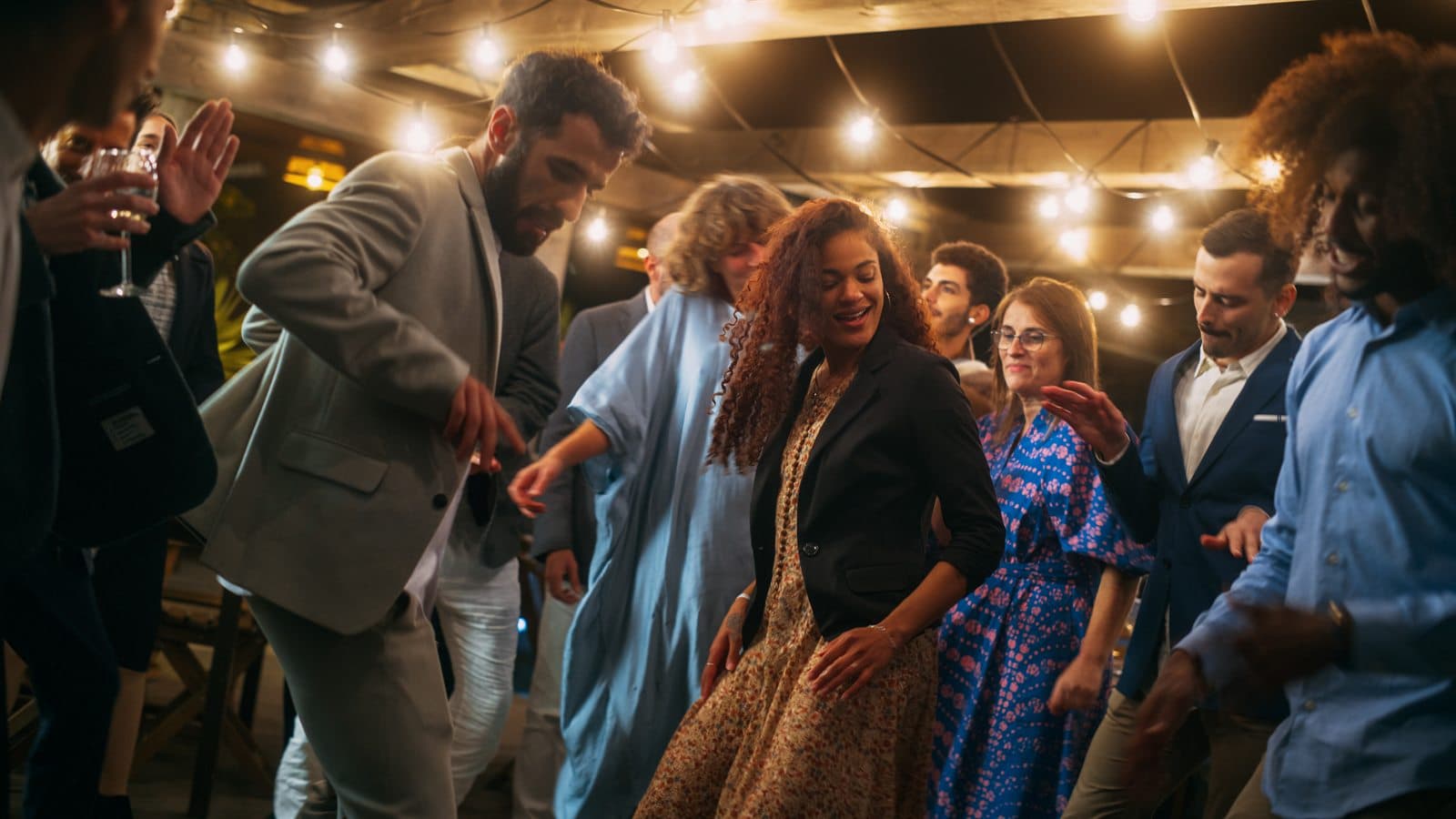
the dance floor
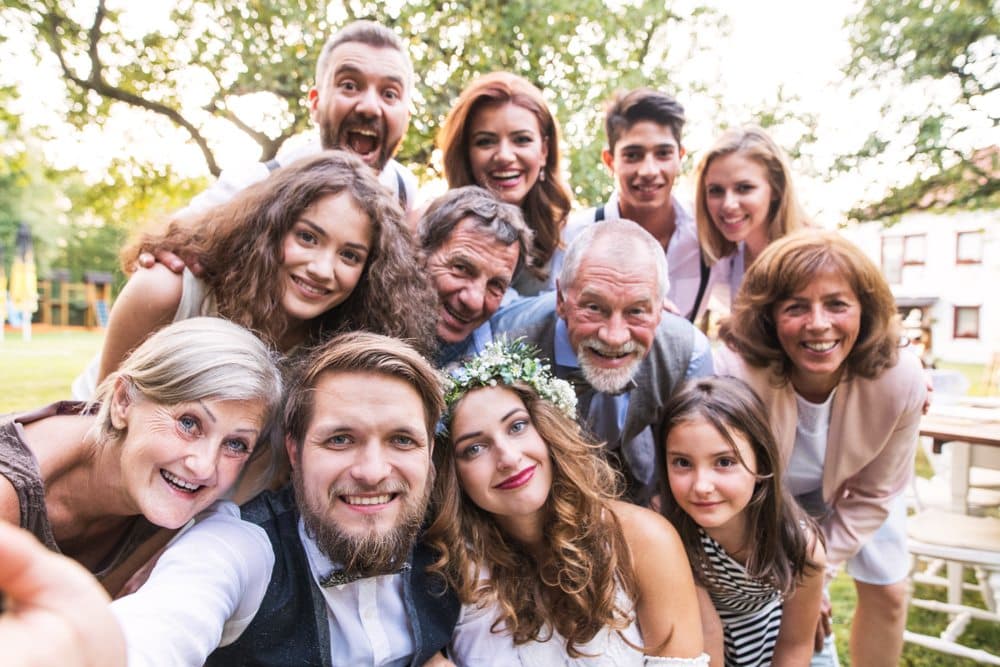
every guest's photos · one gallery

How it works

Three steps, nothing to install

  1. 01

    Print one QR code

    Stick it on the table, the cake stand, the bar. Guests scan with their camera — no download, no account, nothing to explain.

  2. 02

    Guests add their photos

    They pick the shots they love and sign them with their name. Every photo flows into your one shared gallery as the night goes on.

  3. 03

    Keep every original

    Browse the whole party, hand-pick a public highlights gallery to share, then download every full-resolution original to keep.

The guide

How to collect everyone's photos from a birthday party

Nobody hires a photographer for a 30th. Which means the entire photographic record of your party is scattered across the phones of people who will never think to send it to you. Here's how to get it back.

The birthday photo problem is different to the wedding one

At a wedding there's a professional catching the important bits and the guest photos are a bonus. At a birthday there is no professional. There's you, there's whoever you've asked to take a few pictures, and there's a room full of people photographing each other with no plan whatsoever.

So the photos of your party do exist — hundreds of them — but they're distributed. Half a dozen are on a friend's Instagram story that expired the next morning. A dozen more are in a group chat you weren't added to. The best one, the one where everybody is genuinely laughing, is on the phone of someone who left early and hasn't thought about it since.

The thing that makes this maddening rather than merely annoying is that people are perfectly willing to send them. They just need to be asked at the moment they're holding their phone, not by text three weeks later when they've forgotten which night you mean.

Ask while the party is happening, not after

This is the whole trick. A request made at the party, to someone with their phone already in their hand, converts enormously better than a request made afterwards. Afterwards, sending you photos is an errand — scrolling back through a camera roll, selecting, uploading, all for someone else's benefit. During, it's a two-minute thing you do while queueing for a drink.

That's why the code goes on the bar and by the cake rather than in a follow-up message. You're catching people inside the moment, where the ask costs them nothing and feels like part of the party rather than admin.

The people who never send photos afterwards aren't rude. They're just subject to the same friction as everyone else, and friction is the only thing standing between you and about four hundred photographs of your own birthday.

Milestone birthdays and the guest list problem

Round-number birthdays gather a strange and wonderful mix: school friends, work friends, family, the people from the running club, someone's new partner nobody has met. These groups take completely different photos of the same night, and they almost never share them with each other.

That's the real value of pooling. Your family photographed the speech and the cake. Your work friends photographed the bit at 11pm nobody's family needs to see. Your school friends spent twenty minutes photographing a group who haven't been in a room together since 2009. Gathered into one gallery, those become a single coherent record of the night instead of four disconnected fragments.

It also solves the awkwardness of asking. Nobody has to be added to anybody's group chat, and nobody has to hand over their phone number to a stranger to send a photo. They scan a code that belongs to the party, not to a person.

Surprise parties, and letting the guest of honour see it later

If you're organising a surprise party for someone else, the gallery is genuinely useful in a way people don't expect: the guest of honour missed the best hour of it. They weren't there for the setup, the hiding, the faces at the moment the lights came on — everyone else was, and everyone else was filming.

Set the gallery up in your own name before the night and put the code out as normal. The photos land in one place, and afterwards you can hand the whole thing over: browse it together, then publish a curated public gallery with a link they can send round themselves.

It's a much better gift than a slideshow, because it isn't your edit of their party. It's forty people's.

What to do the next morning

Very little, which is the point. Photos will have started landing during the party and will keep arriving for a fortnight as people surface, go through their camera rolls and remember. There's no chasing to do.

When you're ready, unlock and download the zip of full-resolution originals. Do it promptly — the gallery is permanently deleted a month after your party date and there's no backup to restore from, which is a deliberate privacy choice but does mean the deadline is real.

Then, if you want, publish a curated public gallery: you pick which photos make the cut, and it gets its own link protected by a simple question. That's the one you send round the group chat, without handing everyone unrestricted access to every photo taken after midnight.

Placement

Where to put the QR code

Placement matters more than anything else you'll decide. These are the spots that work for this kind of event, roughly in order of how much they collect.

  1. 01

    On the bar

    The single best spot at a party. Everyone goes to the bar, everyone waits at the bar, and a card propped by the taps gets read out of sheer boredom.

  2. 02

    By the cake

    Wherever the cake lands, a crowd forms with phones already out. A small card next to it catches people at the exact moment they're taking photos anyway.

  3. 03

    In the photo booth or backdrop corner

    If you've got a balloon arch, a neon sign or a booth, that's where the deliberate photos happen. Put the code on the wall beside it.

  4. 04

    In the loos

    Slightly undignified and extremely effective. A card taped inside the cubicle door is read, in full, by every guest at the party.

  5. 05

    In the invite

    Printed or digital. Putting the code in the invite means guests have it on their phone before they arrive, and photos start landing from the pre-drinks.

Whatever you choose: print the code at least 4cm across, dark on light, on matte rather than glossy card, and write a line of instruction beside it. A bare code with a logo collects a fraction of what a code with “Point your camera here to add your photos” collects.

The run-up

What to do, and when

  1. When you send invites

    Create the gallery and put the QR code or short link in the invite. Guests arrive already knowing what it is, and the pre-drinks photos land before the party has even started.

  2. The day before

    Print a few cards — bar, cake table, back of the loo door. Keep the wording plain: "Point your camera here to add your photos".

  3. During the party

    Ask once, out loud, somewhere near the cake or the speech. A code nobody has mentioned reads as decoration; one that's just been mentioned reads as an instruction.

  4. The following week

    Photos keep arriving as people go through their camera rolls at home. This second wave is usually better chosen than the ones sent at midnight.

  5. Within the month

    Unlock, download the zip, back it up. Publish a curated public gallery if you want something to share round.

One shared gallery

Every guest's angle, gathered in one place.

The quiet moments, the big ones, the shots you'd never have seen — each one signed by the guest who caught it.

— table 4
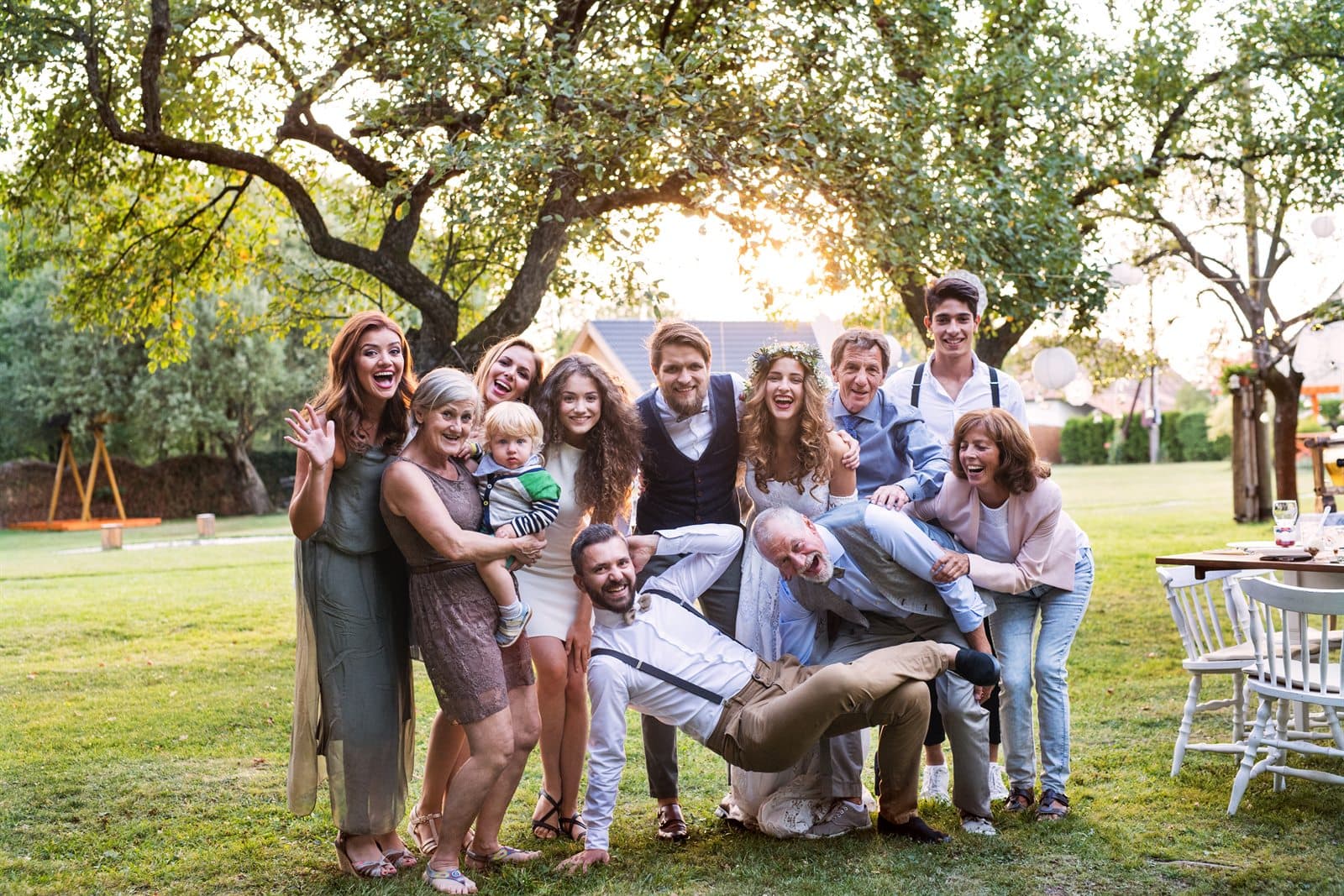
— the whole gang
— the spread

One simple price

Free to collect. Pay once to keep.

£25.00once per gallery

  • ✓Unlimited guest uploads
  • ✓Your private gallery + printable QR code
  • ✓Every original in full resolution
  • ✓A curated public highlights gallery to share
  • ✓Photos kept 30 days after the event
Start free, pay to download

Spread the word

Refer 5 hosts, and yours is on us.

Every gallery comes with a referral code. When 5 people you send our way set up and unlock their galleries, your download is completely free.

Birthday parties — questions

What birthday parties hosts ask

The questions specific to this kind of event, plus the ones everyone asks. There are more on the full questions and answers page.

Is this worth it for a small party?
It scales down better than you'd think. With twenty guests you'll get maybe a hundred photos — but they'll be a hundred photos you would otherwise never have seen, because at a small party there's nobody whose job it is to document anything. The price is the same whether five people upload or a hundred and fifty.
Can I set this up for someone else's birthday?
Yes — the account is yours, the gallery is named after them. For a surprise party that's ideal: you gather everything including the hour they weren't there for, then hand the whole gallery over afterwards or publish a curated public version they can share themselves.
What about a kids' party where other parents are taking photos?
It works, and it sidesteps the usual awkwardness of parents photographing each other's children in a WhatsApp group. Photos go to the host's private gallery rather than into a chat, nothing is public unless you deliberately publish it, and the whole thing is deleted a month later. If any parent asks you to remove a photo of their child, email us and we'll take it out.
Do guests need to be on the same wifi or network?
No. Guests upload over whatever connection their phone has, so nobody needs a venue password. On a weak signal an upload will be slow — worth telling people they can do it later from home, since the gallery stays open for weeks after the party.
Can guests upload videos of the speeches?
Not yet — it's photos only, and a guest trying to upload a clip will be told so. It's the most-asked-for thing we don't do, and it's on the list. For now it's worth writing "photos" rather than "pics and videos" on your signage so nobody's caught out.
The party's already happened. Can I still collect photos?
If it was within the last few weeks, yes — set up a gallery with the party's date and send the link round the group chat. The retention clock runs from the event date, so a party a month ago has no window left, but one from last weekend has plenty.
Do guests need an account or a password?
No. A guest scans the code, picks photos from their camera roll, types their first name so you know who took what, and uploads. There is no sign-up, no email address and no password. The only person with an account is you, the host.
Is there a limit on how many photos guests can upload?
No. Uploads are unlimited, from as many guests as you like. The only cap is per file: a single photo can be up to 25MB, which is comfortably more than any phone camera produces.
How long do you keep the photos?
30 days after your event date. A job runs every night and permanently deletes the photos of any gallery past that point, from the database and from storage. This is a real deletion, not an archive — which is exactly why you should download your zip as soon as you've unlocked it.

The day is one day.
The photos are forever.

Set up your gallery in minutes, print the QR code, and let every guest hand you the photos you'd never have seen.

Create your gallery

Or read how your photos are handled first.